




Home Banner

PDF Tasks Made Easy

Read, edit, convert, merge, and sign PDF files across devices, for completely free and without signing up.

PDFgear Home Banner
Trusted by
  • digitaltrends
  • PCWord
  • Lifewire
  • Reddit
  • Product Hunt

PDFgear Free Online Tools

In addition to our powerful software, PDFgear offers dozens of tools to help you complete simple and quick PDF tasks directly in your web browser.
Why Trust PDFgear

Curious about why PDFgear is completely free, how secure it is, and how we sustain it without charging?

eSignGearesigngear.com

eSignGear

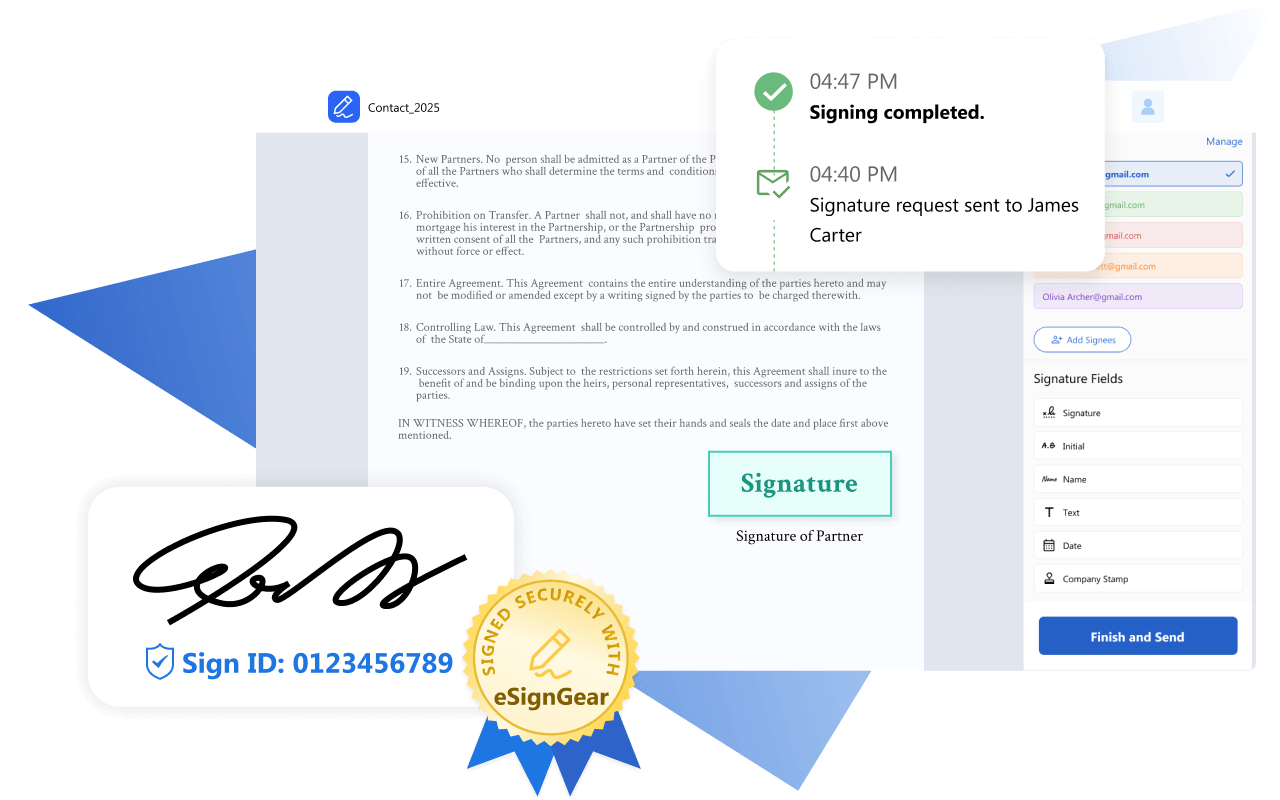
Meet eSignGear PDFgear's Online E-Signing Platform

Send documents for signature, track signing progress, and collect legally binding e-signatures from clients and partners.

eSignGear
The FIRST

AI-Powered PDF Software

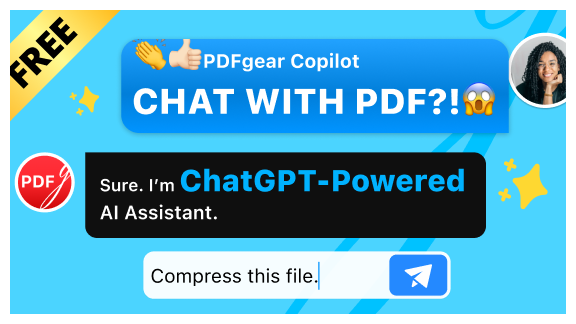
PDFgear makes PDF smarter using cutting-edge AI technology to improve your working efficiency.

Work with PDF Anywhere

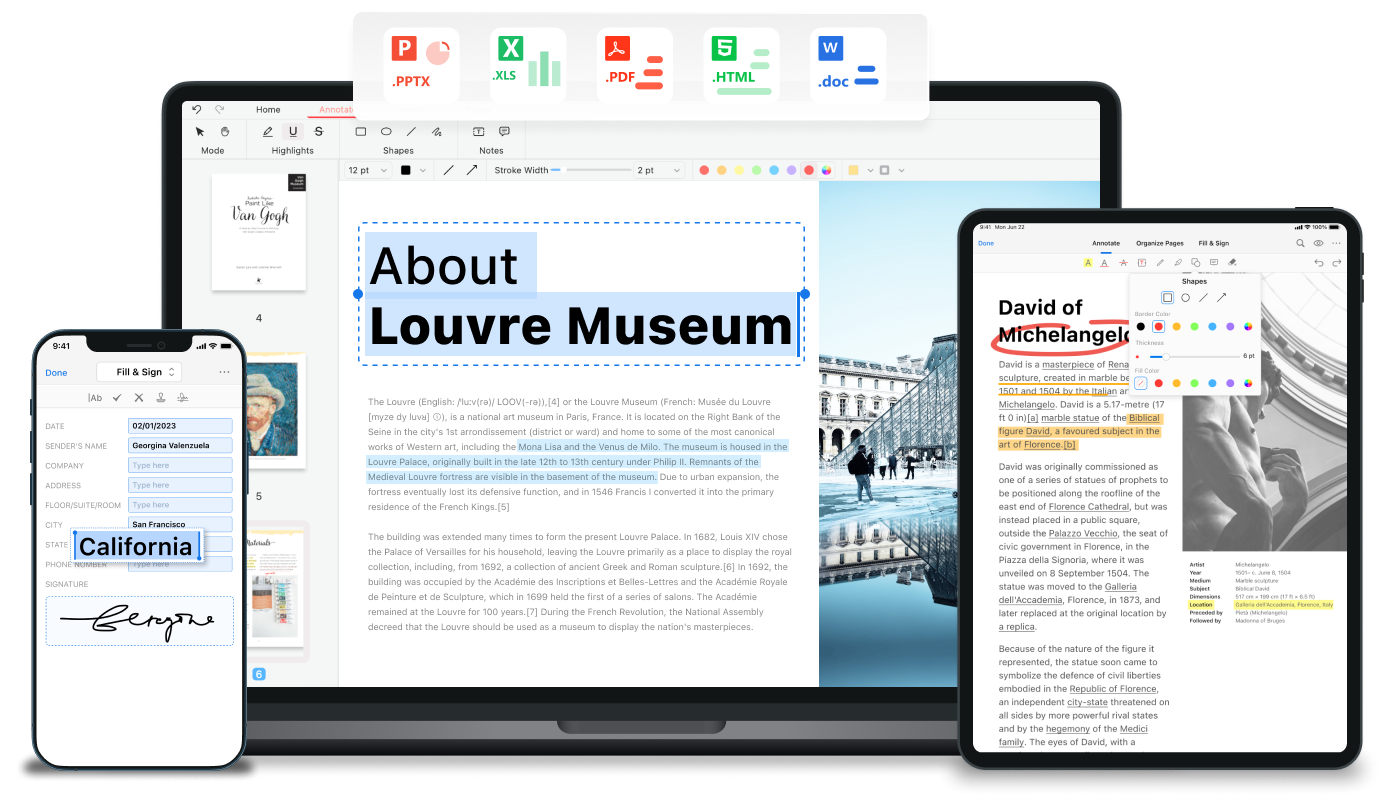
Easily switch between desktop, web, and mobile devices and continue working with PDFs on the go.  Now start working with PDFgear on PC, Mac, iPhone, and iPad!

PDFgear for Windows Windows

Get more done in less time with PDFgear for Windows. Educational and business features are all available for free.

Free Download
PDFgear for Mac Mac

A completely free, lightweight, and enterprise-level PDF management toolkit to work with PDFs on Mac computers and Macbooks.
PDFgear for iOS iOS

Get the free PDFgear app for iPhone and iPad to get full control over your important business documents wherever you are.
PDFgear for Android Android

A free PDF editor app for Android to read, summarize, edit, fill out, sign on, and organize PDFs.
What Features Make PDFgear Stand Out

PDFgear Edit PDF

Edit PDF

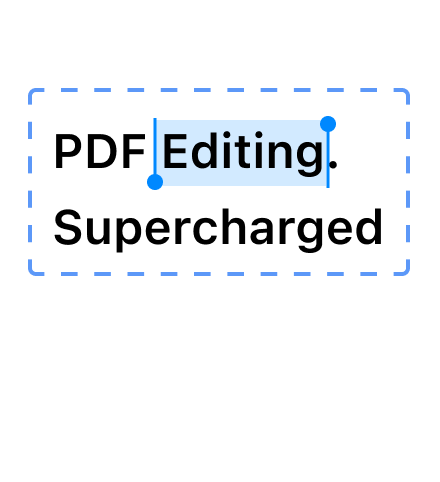
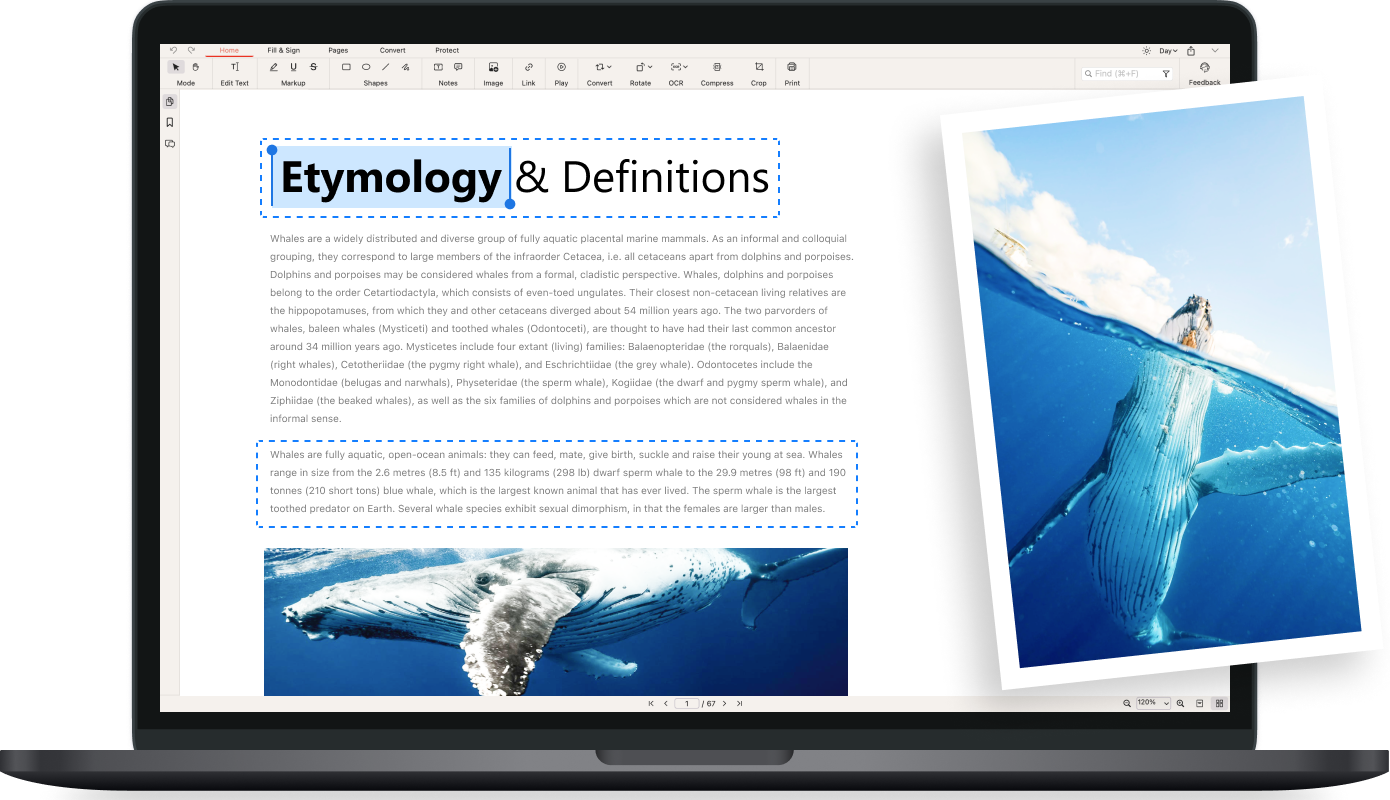
Make your PDF as editable as Microsoft Word - Freely edit text, images, shapes, signatures, links, fillable form fields, etc. in PDF.
PDFgear Annotate PDF

Annotate PDF

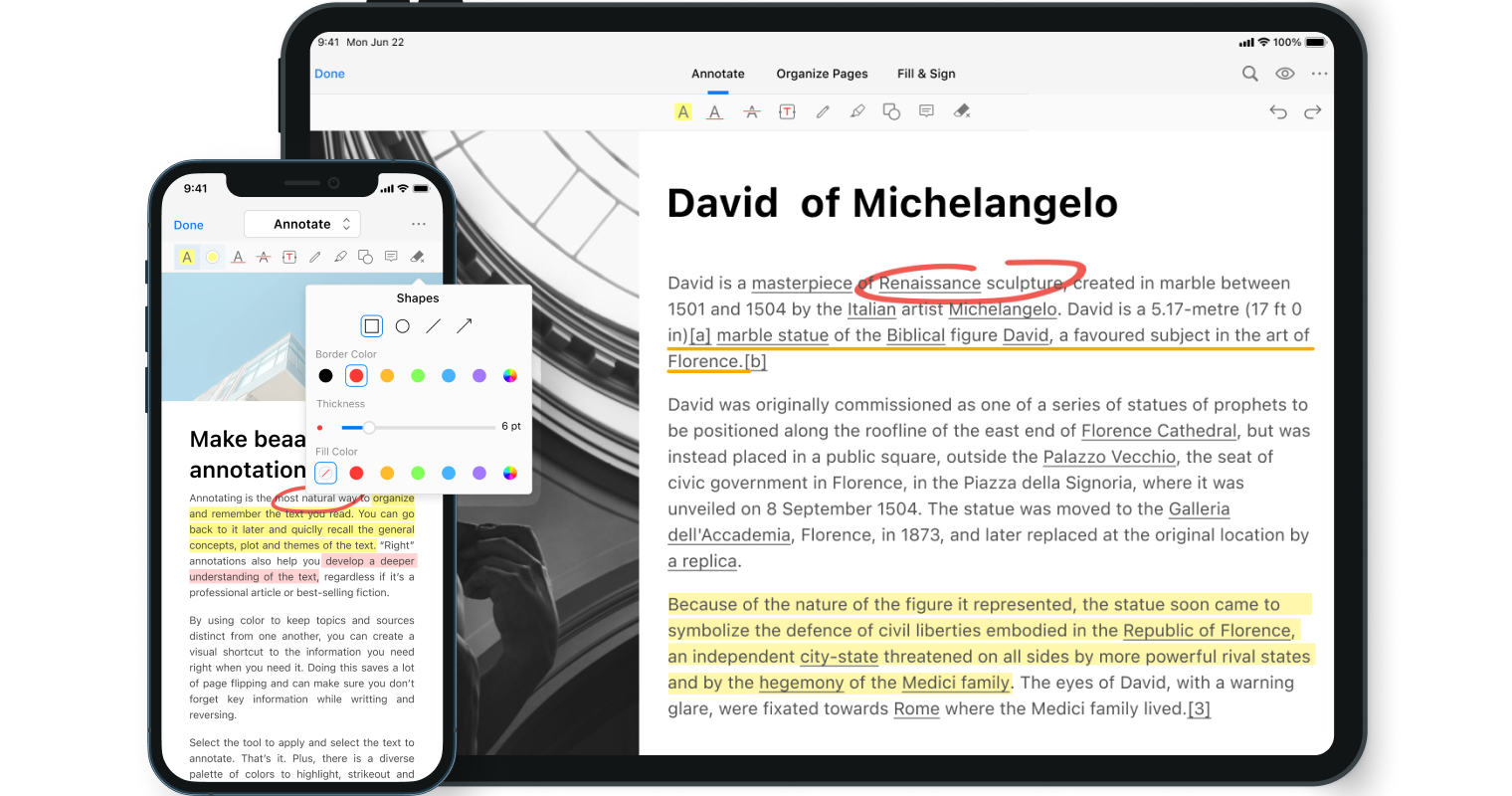
Highlight text/areas, underline/strikethrough text, add notes/comments/stamps, insert shapes/text boxes, and more.
PDFgear Convert PDF

Convert PDF

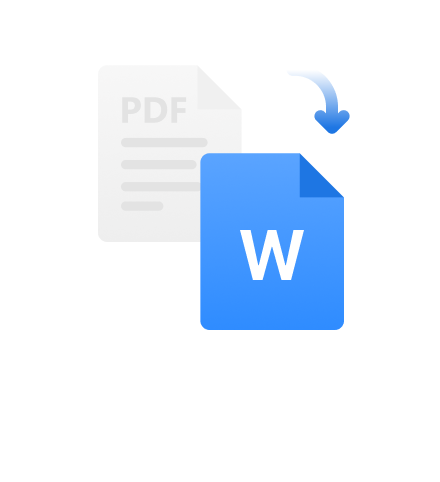
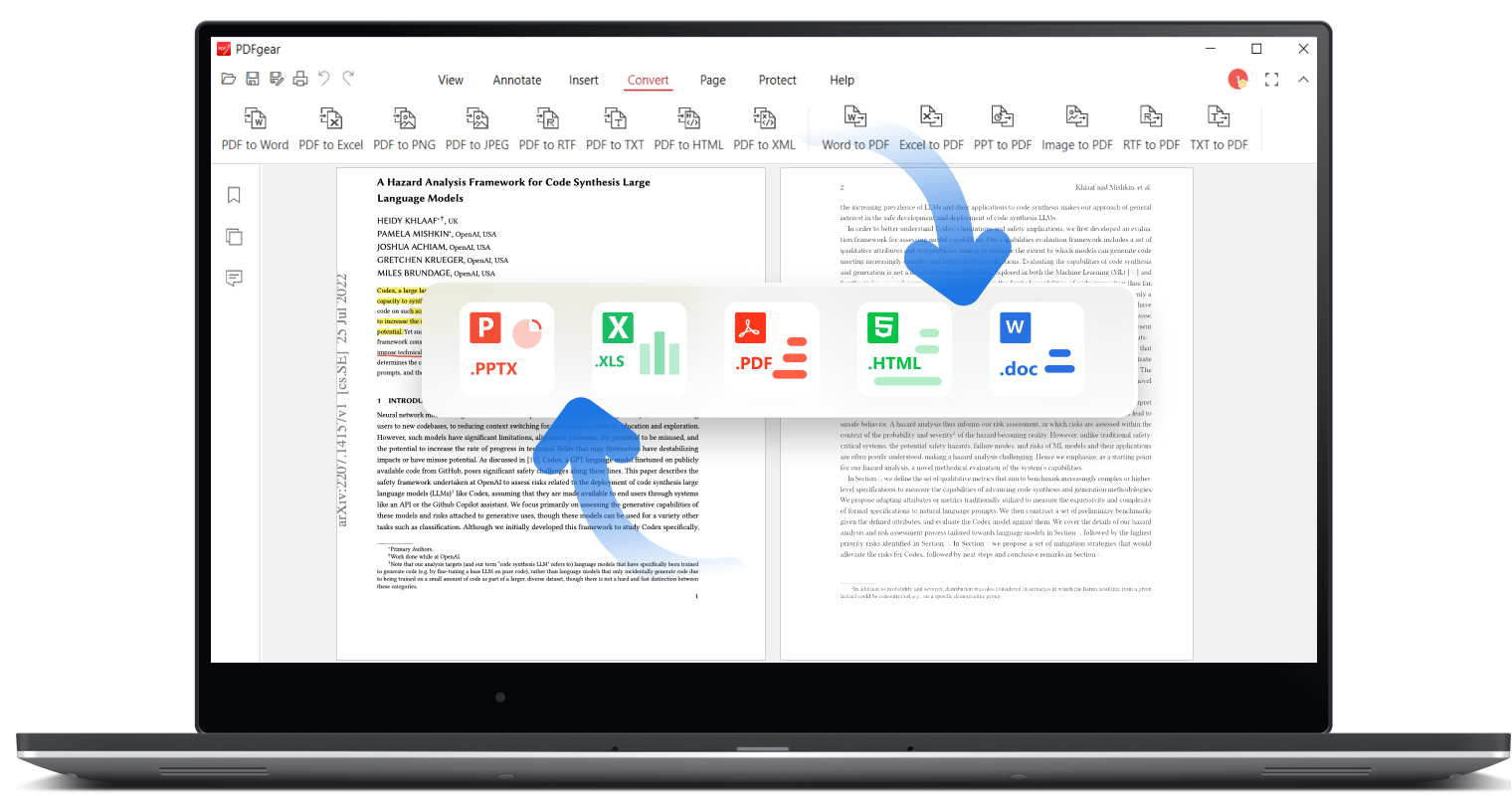
Convert between PDF, Word, TXT, JPG, Excel, PPT, and more without compatibility issues. A batch conversion mode is provided, and lossless conversions are ensured.
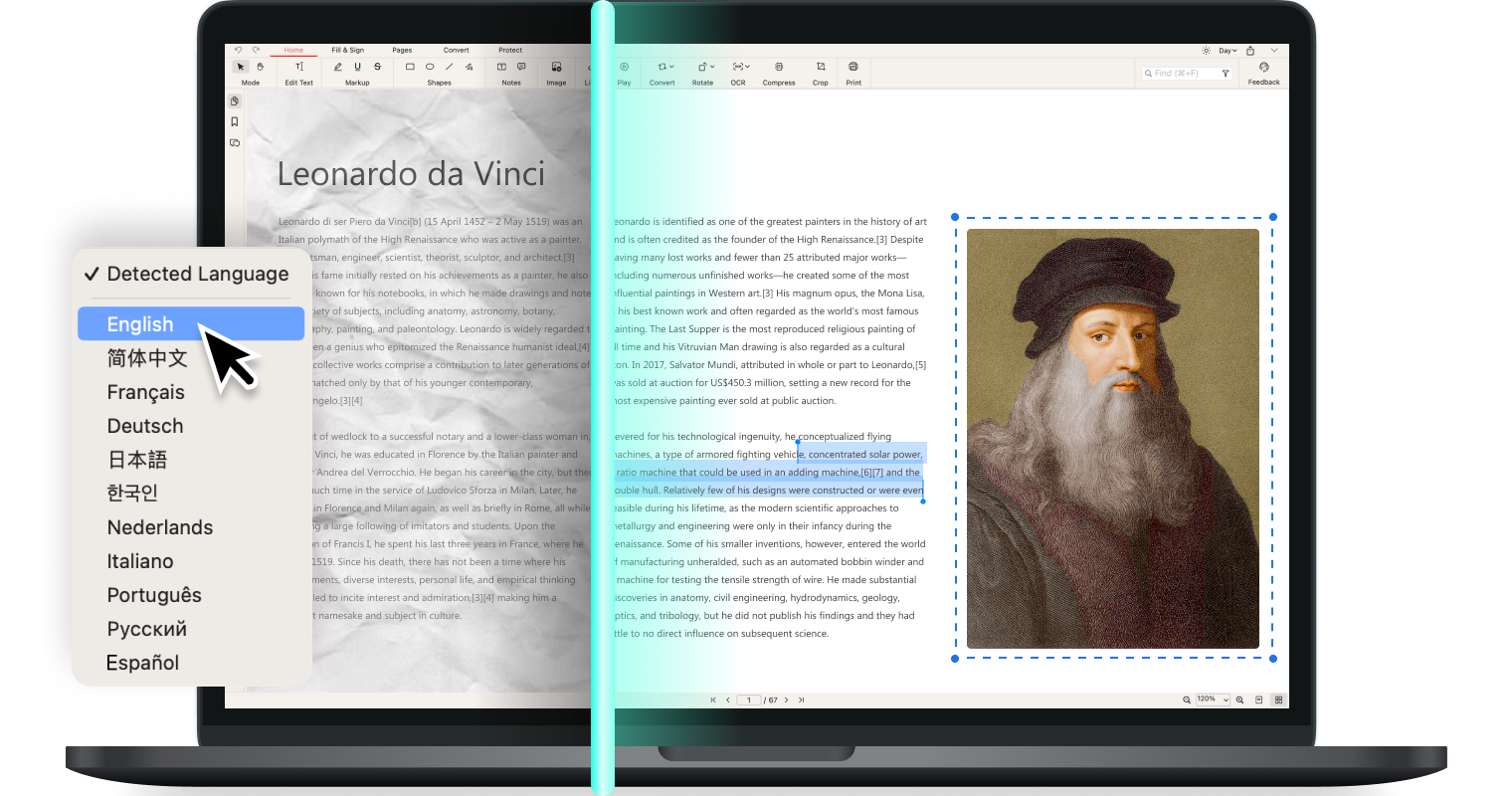
PDFgear OCR PDF

OCR PDF

Precisely extract text from image-based documents or convert scanned PDFs into fully editable Word or TXT, with 30+ languages supported.

Our Vision

Free and AI-Powered PDF Tool

Welcome to PDFgear, a world-class and AI-powered PDF editor software designed to empower everyone to manage their PDFs - easily and without cost.

PDF experts talk about PDFgear

It is the best PDF editor and alternative to Adobe PDF editor. It has very awesome features like you can add signatures to the documents. It is easy to use and integrate with my cloud documents. It gives you the ability to wipe out the documents into different parts. I EAT PEOPLE

After years of searching, I’ve finally found a free, offline, no-strings-attached PDF editor — and it’s excellent. It merges, it edits, it converts, and it even signs PDF documents with mouse-drawn inking. It also has ChatGPT built-in so you can have it summarize PDF documents for you, or find the most pertinent information with a simple question. Jon Martindale

Of the free programmes I’ve tried, PDFgear has the easiest tool for this. Online tools such as Acrobat Online and ilovepdf.com can work okay, but they sometimes put the pages in the wrong order and you can’t easily select only certain pages from one file to add to another. Anders Lundberg

PDFgear's AI-powered PDF editor goes beyond simple editing and managing features. By adding AI technology, you can take complete control of your documents with a few taps of your keyboard and get more done with less stress and higher precision.

Something I really like is the Extract Text tool. It lets you highlight any part of the page to pull out text into an easily usable text box so you can copy that content. This is great for lists and other situations where selecting PDF text is usually difficult. Tim Fisher

I'll use the hell out of this. Are you accepting any donations? DefNotJasonKaplan

It is the best PDF editor and alternative to Adobe PDF editor. It has very awesome features like you can add signatures to the documents. It is easy to use and integrate with my cloud documents. It gives you the ability to wipe out the documents into different parts. I EAT PEOPLE

After years of searching, I’ve finally found a free, offline, no-strings-attached PDF editor — and it’s excellent. It merges, it edits, it converts, and it even signs PDF documents with mouse-drawn inking. It also has ChatGPT built-in so you can have it summarize PDF documents for you, or find the most pertinent information with a simple question. Jon Martindale

PDF works, simplified. Get PDFgear.